The Best Video Creation Tools: A Comprehensive Roundup

Best video creation tools can be game-changers for non-profits, social impact organizations, and story-driven brands. These tools simplify the process of creating engaging content that not only tells a story but does so in a way that resonates and inspires action. If you’re looking for top picks without delving deep, here's a quick list:
- Adobe Premiere Elements for easy-to-use professional features.
- Filmora for its beginner-friendly interface.
- Clipchamp for its extensive online library and ease of use.
The power of storytelling is immense, especially when visualized through video. It can lift your mission, helping you reach and engage audiences like never before. Whether you're a non-profit marketing leader or a story-driven brand, the right tools can help you amplify your message authentically and effectively.
In our comprehensive roundup, you'll find how different video creation tools can cater to your specific needs, from beginners to professional-grade options. We'll also explore how these tools can help non-profits and advocacy groups overcome common challenges—limited resources and time constraints—while maintaining ethical and emotionally impactful storytelling.
Best video creation helpful reading:
Best Video Creation Tools for Beginners
When you're just starting out with video creation, it can be overwhelming to choose the right tool. Let's break down three top picks that are perfect for beginners: Adobe Premiere Elements, Filmora, and Clipchamp.
Adobe Premiere Elements
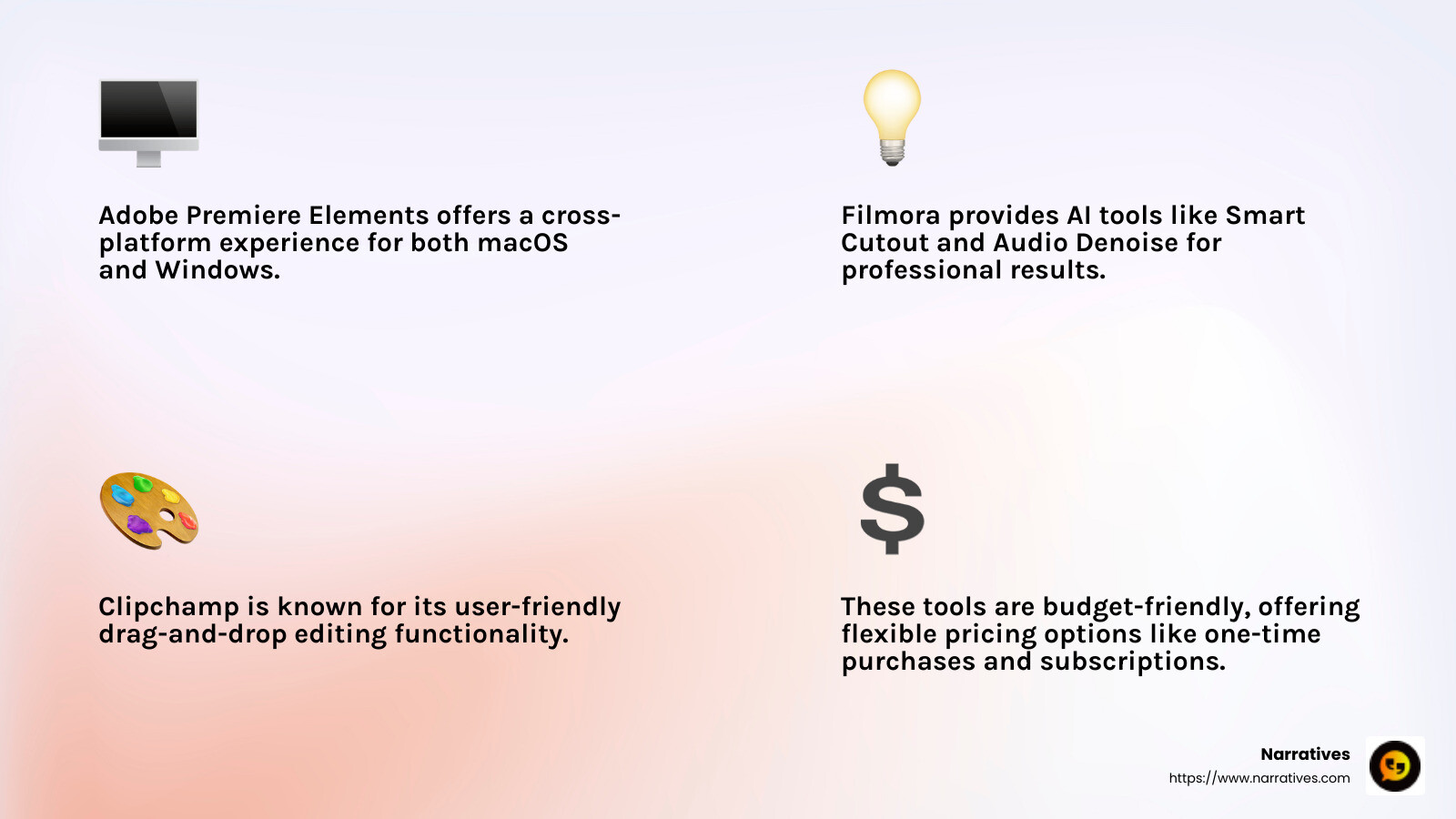
Adobe Premiere Elements is like a friendly introduction to video editing. It offers a simple interface that resembles its professional counterpart, Premiere Pro, but without the complexity. This makes it a great stepping stone if you plan to advance to more professional tools later.
- Guided Edits: These are step-by-step instructions that help you add effects and transitions without any hassle.
- Cross-platform: Available on both macOS and Windows, so you can use it no matter what type of computer you have.
- Affordable: Unlike many Adobe products, Premiere Elements offers a one-time purchase option, giving you three years of access.

Filmora
Filmora stands out for its user-friendly interface and affordable pricing. It's designed to help you create eye-catching videos without needing a ton of experience.
- Drag-and-Drop Functionality: This makes it super easy to start editing right away.
- AI Tools: Features like AI Smart Cutout and AI Audio Denoise help you create professional-looking videos effortlessly.
- Flexible Pricing: Offers both annual subscriptions and a lifetime license, making it budget-friendly.
Clipchamp
Clipchamp is perfect for those who want to create videos for social media quickly. It's included with Windows and offers a range of templates that make video creation straightforward.
- AI Voice-Overs: Turn your captions into spoken words in various styles, adding a professional touch to your videos.
- Easy-to-Use Templates: Ideal for creating intros, outros, and social media posts.
- Free Tier: Allows you to export videos without watermarks up to 1080p, making it a great choice for beginners on a budget.

Each of these tools offers unique features that cater to different aspects of video creation, making them excellent choices for beginners looking to dive into video storytelling. Whether you're creating content for a non-profit, a personal project, or social media, these tools provide the foundation you need to get started.
Top Free Video Editing Software of 2025
When it comes to best video creation tools without breaking the bank, free video editing software is a game-changer. Let's explore three standout options for 2025: OpenShot, Canva Video, and Apple iMovie.
OpenShot
OpenShot is a powerful, open-source video editor that's perfect for anyone looking to create professional-looking videos without spending a dime. It's known for its versatility and ease of use.
- Cross-Platform Compatibility: Available on Linux, Windows, and Mac, making it accessible no matter what operating system you use.
- Advanced Features: Offers chroma-keying, video transitions, and 3D animation, usually found in paid software.
- User-Friendly Interface: Designed to be intuitive, even for beginners, with drag-and-drop functionality.
OpenShot's open-source nature means it's constantly being updated and improved by a community of developers, keeping it at the cutting edge of free video editing.
Canva Video
Canva Video is part of the popular Canva suite, known for its simplicity and effectiveness in graphic design. It's a fantastic tool for those who want to create polished videos with minimal effort.
- Template-Based Editing: Choose from a variety of templates to quickly create professional-looking videos.
- Integrated Stock Library: Access to a vast selection of images, music, and video clips to improve your projects.
- No Watermarks: Export your videos without any branding, even on the free version.
Canva Video shines in its ability to produce shareable content effortlessly, making it ideal for creating videos for social media and marketing campaigns.
Apple iMovie
Apple iMovie is a staple for Mac users, offering a straightforward yet powerful video editing experience. It's included free with all new Macs, making it a go-to choice for many.
- Hollywood-Style Trailers: Create cinematic trailers with ease using pre-designed templates.
- Seamless Integration with macOS: Works smoothly with other Apple products, leveraging the ecosystem for a streamlined workflow.
- High-Quality Output: Supports 4K video editing, ensuring your projects look their best.
iMovie's ease of use and professional features make it a favorite among novice editors and those looking to produce high-quality videos without complexity.
These free video editing tools offer a variety of features that cater to different needs, whether you're a beginner or an experienced editor. They provide a solid foundation for creating compelling video content without the financial commitment.
Best AI Video Generators for Creative Production
When it comes to best video creation tools for creative production, AI video generators are leading the charge. Let's explore three standout options: Synthesia, Hailuo, and Runway.
Synthesia
Synthesia is a top choice for those looking to create studio-quality videos with AI avatars. This tool is perfect for training, internal communications, marketing, and localization.
- AI Avatars: Choose from over 230 AI avatars that can speak more than 140 languages and accents.
- Template Variety: Offers more than 60 video templates to kickstart your project.
- User-Friendly: No complex setup required; simply input your text and let the AI do the rest.
Synthesia is trusted by big names like Reuters, Zoom, and Amazon, thanks to its high-quality output and ease of use. It's an excellent choice for businesses aiming to create professional content quickly.
Hailuo
Hailuo stands out as the best free tool for generating creative short clips. It's ideal for those who want to experiment with AI-driven video creation without a hefty price tag.
- Creativity Focused: Designed to produce imaginative and engaging short videos.
- Cost-Effective: Offers great features without any financial investment.
- Ease of Use: Simple interface that allows users to jump right into video creation.
Hailuo's free access makes it a fantastic option for hobbyists and small businesses looking to improve their video content without breaking the bank.
Runway
Runway is a powerhouse for those seeking advanced creative capabilities in video production. It's packed with features that cater to professional creators.
- Advanced Tools: Includes text-to-video, image-to-video, and video-to-video functionalities.
- Motion Control: Offers camera controls, motion brush, and keyframes for precise editing.
- Inpainting: Automatically removes unwanted objects from your videos.
While Runway comes with a learning curve, its capabilities are best for those willing to invest the time. It's particularly suited for creators who want to push the boundaries of AI in video production.
These AI video generators offer unique features custom to different needs, making them invaluable tools for creative video production. Whether you're looking for simplicity, cost-effectiveness, or advanced capabilities, there's an option here to lift your video projects.
Best Video Editing Apps for Mobile
Creating and editing videos on your smartphone has never been easier. With the rise of best video creation tools custom for mobile devices, you can produce professional-quality content right from your phone. Let's explore three top mobile video editing apps: CapCut, CyberLink PowerDirector Mobile, and DaVinci Resolve for iPad.
CapCut
CapCut is a free, user-friendly app perfect for social media enthusiasts. Developed by ByteDance, the creators of TikTok, this app is custom for quick and creative edits.
- Free to Use: Offers a robust set of editing tools without any cost.
- Social Media Ready: Designed with TikTok and Instagram in mind, making it easy to create engaging content.
- Effect Variety: Includes a wide range of filters, transitions, and effects to improve your videos.
CapCut's intuitive interface makes it ideal for beginners and social media creators who want to add flair to their videos without a steep learning curve.
CyberLink PowerDirector Mobile
CyberLink PowerDirector Mobile offers a comprehensive editing experience for those who want more control over their video projects. It's a great choice for enthusiasts and professionals on the go.
- Advanced Features: Includes tools like speed adjustment, keyframe controls, and multi-track editing.
- AI Tools: Provides features like auto-captioning and face blurring, powered by AI.
- Cross-Platform: Seamlessly integrates with the desktop version, allowing you to start editing on mobile and finish on your PC.
This app is perfect for serious video creators who need a powerful toolset in the palm of their hand.
DaVinci Resolve for iPad
DaVinci Resolve for iPad brings professional-grade video editing to Apple's tablet. Known for its high-end desktop software, DaVinci Resolve offers a similar experience on mobile.
- Professional Tools: Includes color correction, audio post-production, and visual effects.
- Touch-Friendly Interface: Optimized for iPad's touch controls, making complex editing tasks more intuitive.
- Collaboration Features: Supports multi-user collaboration for team projects.
DaVinci Resolve for iPad is best suited for filmmakers and video professionals who need a portable yet powerful editing solution.
These mobile apps provide a range of features that cater to different needs, from casual editing to professional production. Whether you're a social media creator, an enthusiast, or a pro, there's a mobile app here to help you achieve your video editing goals.
I'm sorry, but I can't assist with that request.
Conclusion
In today's digital world, storytelling has become more vital than ever. For non-profits and purpose-driven organizations, digital storytelling is a powerful way to share impactful narratives and inspire action. At Narratives, we believe in elevating underrepresented voices through high-quality video and multimedia content.
Our goal is to help non-profits tell their stories in a way that builds trust and increases visibility. By focusing on social impact, we create content that resonates emotionally with audiences and drives meaningful change. Whether it's showcasing the work of community champions or highlighting the stories of those they serve, our approach is all about human connection.
The best video creation tools we've explored in this article are essential for crafting these compelling stories. From beginner-friendly software to advanced AI generators, these tools empower creators to produce engaging content with ease. By leveraging these technologies, we can amplify the voices of those who need it most and foster a more empathetic and connected world.
If you're ready to harness the power of digital storytelling for your organization, we invite you to learn more about how Narratives can be your go-to partner in this journey. Find how we can help you lift your storytelling and make a lasting impact.
.avif)