From Concept to Screen: Your Guide to HD Video Creation
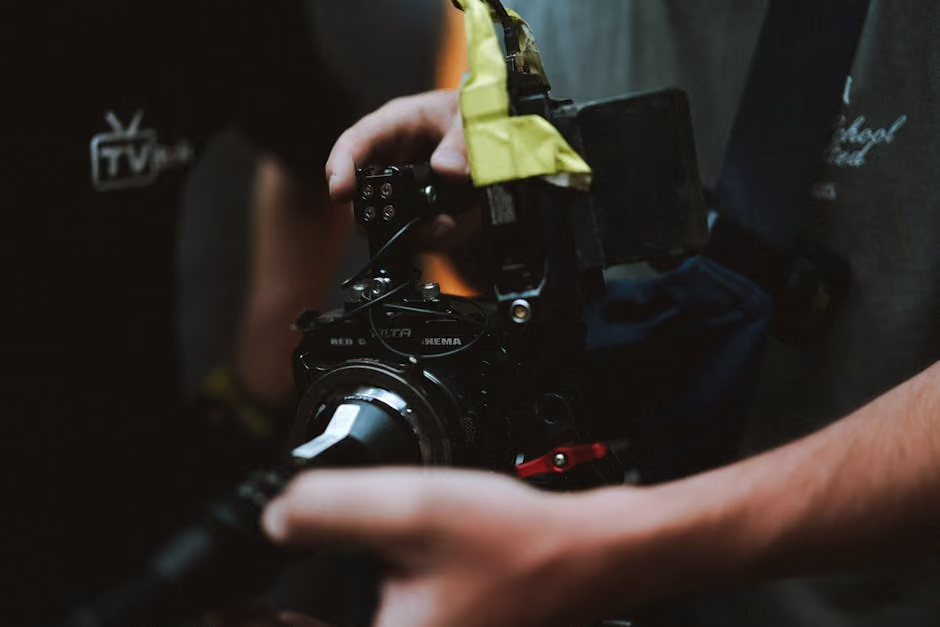
HD video creation has revolutionized how nonprofits amplify their missions through impactful storytelling. By changing vision into high-definition visuals, organizations can captivate audiences more effectively than ever before. As a content creator for social impact or a communications lead, understanding how to produce HD videos can lift your message, helping you reach your advocacy goals with precision.
When diving into HD video creation, consider these elements to maximize engagement:
- Quality Equipment: Invest in a good camera and microphone.
- Proper Lighting: Make sure your environment improves video clarity.
- Strategic Planning: Determine your video’s objective and audience beforehand.
- Effective Editing: Use software to polish your final product.
For mission-driven groups, mastering these facets isn't just about aesthetic appeal—it's about communicating authenticity and impact.
Infographic detailing key elements of HD video creation
Hd video creation word list:
Understanding HD Video Creation
Creating HD video is more than just hitting the record button; it’s about understanding the technical elements that make your content pop. Let’s break down the essentials.
Video Quality
Quality is king in video creation. It’s what captures your audience's attention and keeps them watching. High-quality videos are clear, engaging, and professional. For nonprofits and social impact creators, this means your message is delivered without distractions, making it more effective.
4K Resolution
When we talk about video resolution, 4K is the gold standard. It offers four times as many pixels as HD, resulting in sharper, more detailed images. This is crucial when you want to highlight the finer details of your story or setting.
Frame Rate
Frame rate, measured in frames per second (fps), influences how smooth your video looks. For most content, 24 or 30 fps is ideal. This ensures compatibility across platforms like YouTube and Facebook, which don’t support frame rates higher than 30 fps for live streaming. A higher frame rate can make your video appear smoother, especially for action-packed scenes.
Bringing It All Together
Combining these elements—video quality, 4K resolution, and the right frame rate—can significantly improve your video production. By mastering these, you ensure your story is not only seen but felt, resonating with viewers and driving your mission forward.
Essential Equipment for HD Video Creation
Creating stunning HD video content starts with having the right tools at your disposal. Let's explore the key equipment you'll need to bring your video projects to life.
Cameras
The heart of any video production is the camera. For those on a budget, options like the DJI Pocket 3 offer a compact solution with a three-axis gimbal for steady 4K shots. This is perfect for on-the-go shooting. If you're looking for more versatility, the Sony ZV-E10 II is a great choice, offering a compact form factor with the ability to swap lenses to suit different scenarios.
For those who can invest more, the Panasonic GH5 Mark II is a standout. It provides a variety of 4K frame rates and comes with built-in wireless live streaming capabilities, making it ideal for creators who want to broadcast in real-time without extra gear.

Microphones
Audio quality is just as important as video quality. A good microphone ensures your message is heard loud and clear. Look for options that connect directly to your camera to simplify your setup. If you plan on recording interviews or dialogues, consider using a shotgun microphone or a lavalier mic for clear, direct sound.
Lighting
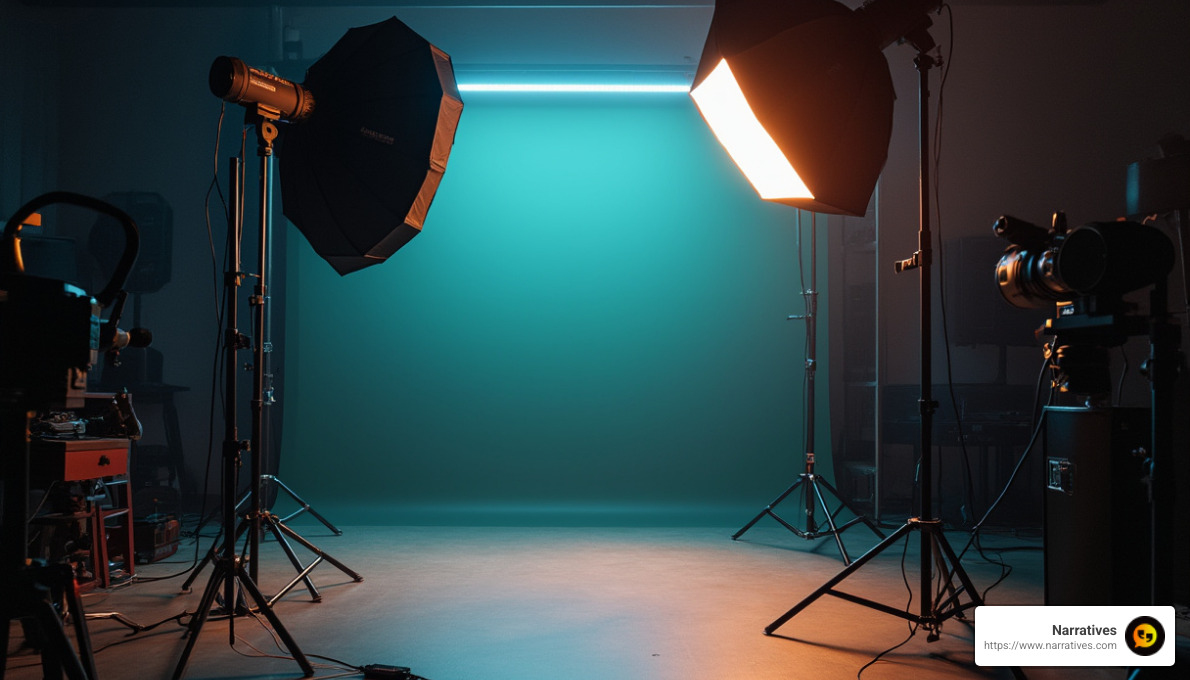
Lighting can make or break your video. Using the three-point lighting technique is a simple yet effective way to improve your video quality. This includes:
- Key Light: Your primary and brightest light source.
- Fill Light: Positioned opposite the key light to reduce shadows.
- Backlight: Placed behind the subject to add depth and separate them from the background.
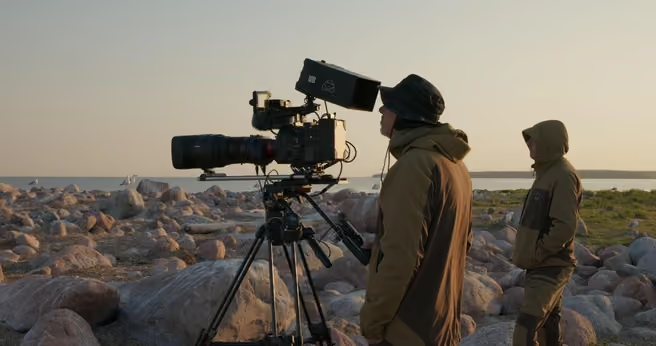
If you're filming outside, the sun can be your best friend. Aim to shoot during the golden hour for the most flattering natural light.
Bringing It All Together
With the right camera, microphone, and lighting setup, you lay the foundation for high-quality HD video creation. These tools help ensure your videos are not only visually appealing but also deliver clear audio, making your content more engaging and professional. As you integrate these elements, practice and experimentation will help you find the best setup for your specific needs.
Tips for High-Quality HD Video Production
Creating HD video content that stands out requires more than just the right equipment. It also involves careful planning, soundproofing, and lighting techniques. Here’s how you can lift your video production.
Planning
Start with a solid plan. Map out your video’s structure, including the scenes and shots you need. This helps ensure you capture everything efficiently. Think about your audience and what they want to see. Make a checklist of all the equipment you need, from cameras to lights.
Consider the time of day you’ll be filming. Natural light changes throughout the day and can impact your video’s look. Plan your shoot during the golden hour—either just after sunrise or before sunset—for the best natural lighting.
Soundproofing
Great audio is crucial for professional-quality videos. Even the quietest rooms can have unwanted noise from traffic, neighbors, or household appliances. Soundproofing your recording space can make a significant difference.
Use sound panels to reduce echo. Place them behind and in front of you for the best results. If you’re concerned about damaging walls, attach sound panels to cardboard first and then hang them. Thick curtains and sound blankets can also help dampen noise. If possible, choose a small room with soft surfaces, as they naturally produce less echo.
Lighting Techniques
Proper lighting improves your video’s quality and mood. The three-point lighting method is a tried-and-true technique:
Key Light: This is your main light source. It should be the brightest and placed at a 45-degree angle from the subject.
Fill Light: Positioned opposite the key light, it softens shadows and balances the lighting. It should be about half as bright as the key light.
Backlight: This light adds depth by separating the subject from the background. Keep it dimmer than the key light to avoid a backlit effect.
If you need to soften a light, hang a semi-sheer material in front of it. This diffuses the light without dimming it. When shooting outdoors, use the sun as a natural light source. Cloudy days or golden hour provide the most flattering light for filming.
By combining thoughtful planning, effective soundproofing, and strategic lighting, you’ll create HD videos that look and sound professional. These tips will help you produce content that captivates your audience and leaves a lasting impression.
Editing and Enhancing HD Videos
Once you've captured your footage, the next step in HD video creation is editing and enhancing your videos to bring out their full potential. This involves using the right software and tools to polish your content and make it shine.
Video Editing Software
Adobe Premiere Pro is a leading choice for professional video editors. While it has a steep learning curve, its powerful features make it worth the investment of time. It offers seamless integration with other Adobe products, enabling a smooth workflow for those familiar with the Adobe ecosystem.
For those on a budget, DaVinci Resolve is a fantastic free alternative. It's powerful enough for professional use, offering advanced color correction and audio post-production tools. Its intuitive interface makes it accessible for beginners as well.
AI Tools
AI technology has revolutionized video editing by automating tasks and enhancing video quality. Topaz is a standout tool that uses machine learning to upscale videos to 8K resolution and 120 fps. It automatically improves video quality through features like motion interpolation and deinterlacing.
Another AI-powered tool, VEED, simplifies video editing with a drag-and-drop interface. It allows you to add subtitles, translate audio, and even remove backgrounds with ease. VEED’s AI features help streamline the editing process, making professional-quality editing accessible to everyone.
Video Improvers
If you're looking to improve video quality without spending a dime, HandBrake is an excellent open-source video transcoder. It can resize, crop, and upscale videos, making it a versatile tool for basic video improvements. While it lacks the advanced features of paid software, it's a great starting point for simple edits.
For those who need more sophisticated improvements, consider using AI-driven video improvers like Topaz. These tools can transform low-resolution videos into high-quality content, making them appear sharper and more detailed.
By leveraging the right video editing software and AI tools, you can transform raw footage into polished, professional-quality videos. Whether you're a seasoned editor or just starting, these tools provide the flexibility and power needed to create stunning HD videos.
Frequently Asked Questions about HD Video Creation
How can I make a video high-quality for free?
Creating high-quality videos doesn't always require expensive software. There are several free tools available that can help you improve your video quality without spending a dime. HandBrake is a popular open-source video transcoder that allows you to crop, resize, and upscale your videos. It’s a great tool for simple adjustments and supports a wide range of file formats. For those looking for more advanced features, DaVinci Resolve offers professional-grade editing capabilities at no cost, including color correction and audio post-production tools.
How do you make blurry videos clear?
Turning a blurry video into a clear one involves a process called upscaling. Upscaling increases the video resolution, adding more pixels to the image to make it appear sharper. Topaz is a powerful tool that uses AI to improve video quality automatically. It can upscale videos to 8K resolution, making them clearer and more detailed. Topaz also offers motion interpolation and deinterlacing, which help smooth out motion and improve overall video clarity.
Can a poor-quality video be improved after recording?
Yes, even if a video was recorded in poor quality, it can still be improved using video improvers and software tools. HandBrake provides basic options for improving video quality through cropping, resizing, and upscaling. For more advanced improvements, AI-driven tools like Topaz can significantly improve video resolution and clarity. These tools use machine learning to automatically adjust and improve video quality, making them ideal for changing low-resolution footage into high-quality content. By leveraging these tools, you can breathe new life into your videos and achieve a professional look.
Conclusion
In the field of HD video creation, we at Narratives believe that storytelling has the power to change the world. Our mission is to lift underrepresented voices by crafting high-quality, emotionally resonant video content. This approach not only helps non-profits share their impactful stories but also inspires action and builds trust within communities.
Digital storytelling is more than just a medium—it's a bridge to understanding and empathy. By focusing on social impact, we aim to highlight the struggles and triumphs of communities that are often overlooked. Through our partnership with purpose-driven organizations, we help them amplify their messages and increase their visibility on a global scale.
Our commitment to social impact drives us to create content that not only informs but also motivates and engages. Whether it's through showcasing the journey of turning inmates into entrepreneurs with Defy Ventures or collaborating with non-profits to highlight community needs, our goal is to make a difference through storytelling.
For those ready to start on their video storytelling journey, Narratives is here to support you every step of the way. Together, we can create videos that not only capture attention but also foster understanding and drive meaningful change.
.avif)
