iPhone Video Creation: Apps You Can't Miss
iPhone video creation apps have revolutionized how we tell stories through videos, making the process simple and accessible for all. Whether you're working on a mission-driven narrative or looking to amplify your brand through captivating content, understanding the array of tools available can lift your storytelling.
Here’s a quick look at some of the top iPhone video creation apps:
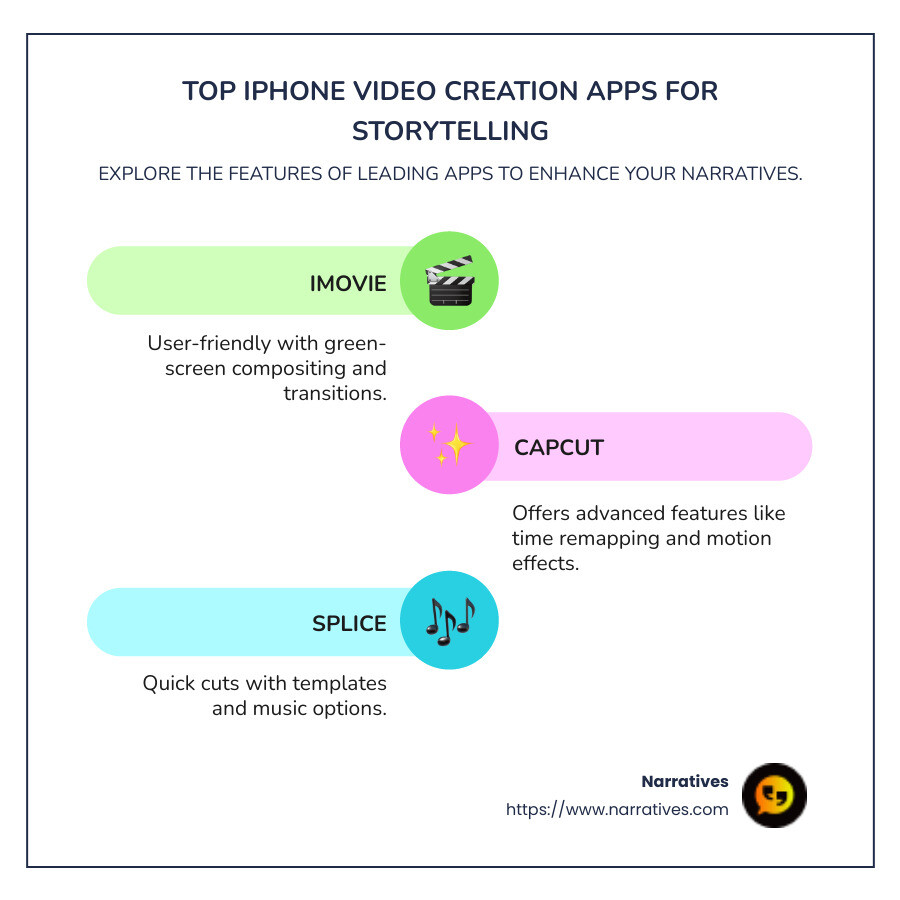
- iMovie: A user-friendly choice for beginners, with tools for green-screen compositing and transitions.
- CapCut: Offers advanced features like time remapping and motion effects without a price tag.
- Splice: Perfect for creating quick, impressive cuts with easy-to-use templates and music options.
These mobile apps transform raw footage into compelling stories, enabling brands and organizations to craft authentic messages that resonate.
In a space where stories shape our understanding, having the right tool can be game-changing. Dive into the possibilities with our guide to the best iPhone video creation apps, and open up new ways to produce content that connects and inspires your audience.
Basic iphone video creation apps glossary:
Top iPhone Video Creation Apps
Creating videos on your iPhone has never been easier or more powerful. Whether you're a beginner or a seasoned pro, the right app can make a huge difference in your workflow and final product. Let's explore some of the best iPhone video creation apps that can help you craft amazing videos.
InShot
InShot is a versatile app that lets you create video compilations, collages, and photo edits. It offers a range of features including split and trim clips, zooming on the timeline, and swapping clip positions. InShot is particularly known for its fun stickers and overlay options, making it perfect for adding a playful touch to your videos. Plus, you can change video speed, add background music, and even use keyframe editing for more advanced animations. It's free to use, but upgrading can remove ads and watermarks.
CapCut
CapCut is a completely free app that offers a robust set of tools for video editing. It's especially popular among TikTok and Instagram creators due to its ease of use and social-media-friendly features. CapCut provides advanced tools like time remapping, motion effects, and a variety of transitions, all without a price tag. This makes it an excellent choice for both beginners and those looking to create professional-quality videos on a budget.
iMovie
iMovie is Apple's own video editing app and has been a staple for iPhone users. It's perfect for beginners with its intuitive interface and features like green-screen compositing and speed adjustments. iMovie stands out with its Trailers templates and Magic Movie feature, which automatically trims clips and adds transitions and music. It's a great starting point for anyone new to video editing who wants to create polished videos with minimal effort.
Splice
Splice is renowned for its slick interface and user-friendly workflow. It offers a comprehensive set of tools, including picture-in-picture overlays, chroma keys, masks, and speed changes. Splice also supports HDR output and provides a wide array of transitions and text styles. While it offers fewer stock content options compared to some competitors, its music library is top-notch. However, it's worth noting that Splice comes with a subscription cost, which might be steep for some users.
DaVinci Resolve
For those seeking professional-grade video editing capabilities on an iPhone, DaVinci Resolve is a standout choice. Known for its advanced editing tools, this app allows you to import footage, add transitions, titles, and effects with ease. The interface is a scaled-down version of its desktop counterpart, providing a seamless editing experience. While the free version is quite powerful, a one-off purchase open ups even more advanced features, making it ideal for pros looking to create studio-quality videos on the go.
These apps offer a range of features that cater to different needs and skill levels. Whether you're just starting or looking to improve your video editing capabilities, these iPhone video creation apps can help you tell your story in a captivating way.
Features to Look for in iPhone Video Creation Apps
When choosing the perfect iPhone video creation app, focus on features that improve creativity and ease of use. Here are some key features to consider:
AI Tools
AI tools are revolutionizing video editing by automating complex tasks. Apps like CapCut and iMovie leverage AI to simplify editing. For instance, iMovie's Magic Movie feature automatically trims clips and adds transitions and music, making it easier for beginners to create polished videos. AI can also assist in adjusting video quality, enhancing colors, and even suggesting edits based on content.
Templates
Templates are a lifesaver for those who want to create professional-looking videos without starting from scratch. iMovie and InShot offer a variety of templates that guide you through the editing process. These templates often come with predefined transitions, text styles, and music, allowing you to focus more on your story rather than the technical details.
Overlays
Overlays add an extra layer of creativity to your videos. They allow you to stack images, texts, or even other videos on top of your main footage. Splice is particularly known for its picture-in-picture overlays, which are perfect for creating engaging tutorials or commentary videos. Overlays can also be used to add logos or watermarks, which is essential for branding.
Transitions
Smooth transitions can make your video flow seamlessly from one scene to the next. Look for apps that offer a variety of transitions, like CapCut, which provides options ranging from simple cuts to more elaborate effects. Transitions can be used to emphasize changes in scenes or moods, enhancing the storytelling aspect of your video.
Audio Editing
Audio is just as important as video in creating engaging content. Apps like InShot and Splice offer robust audio editing tools, allowing you to add background music, voiceovers, and sound effects. You can adjust the volume, fade effects in and out, and even sync audio with video clips. A good audio editor can help set the tone of your video and keep your audience engaged.
By focusing on these features, you can find an app that not only fits your current needs but also allows you to grow as a video creator. Whether you're making a simple family video or a complex project for social media, these features will help you craft compelling content with ease.
Best Free iPhone Video Creation Apps
Creating stunning videos on your iPhone doesn't have to cost a dime. Let's explore three of the best iPhone video creation apps that are completely free: CapCut, iMovie, and InShot.
CapCut
CapCut is a powerhouse when it comes to free video editing on iPhones. Developed by ByteDance, the creators of TikTok, this app is custom for social media enthusiasts. It features a user-friendly interface that makes video editing a breeze, even for beginners.
Key Features:
- AI Filters: Transform your videos with smart filters that automatically improve quality.
- Direct Export to TikTok: Seamlessly share your creations on TikTok with a single tap.
- Shake Effect and Flame Overlays: Add excitement to your videos with dynamic effects.
- Motion Tracking: Keep focus on moving subjects, ideal for action-packed scenes.
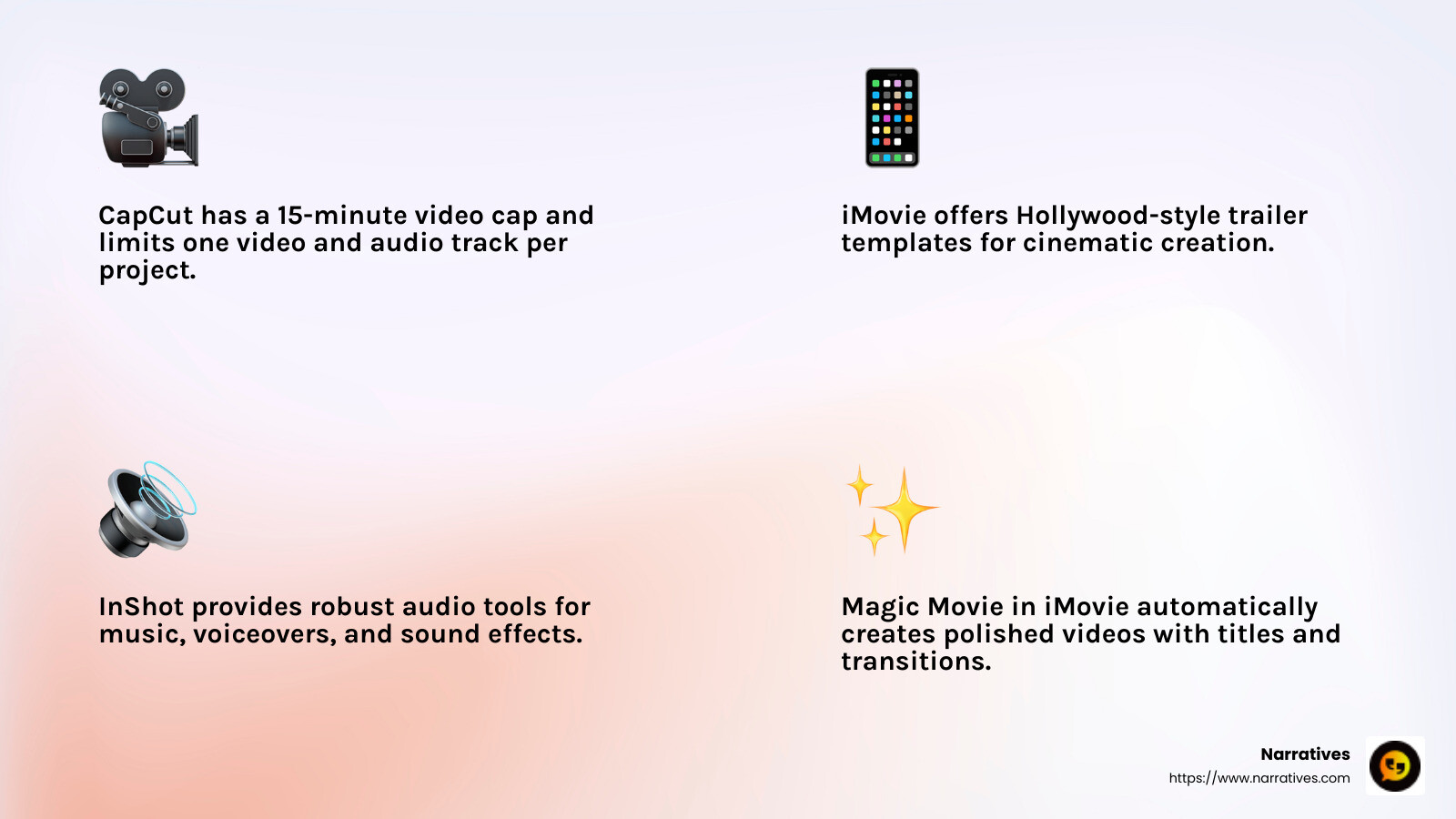
However, CapCut does have a 15-minute video cap and limits you to one video and audio track per project. Despite these limitations, it's a robust app for quick edits and social media content.
iMovie
iMovie is Apple's answer to free video editing on iOS devices. It's perfect for users who want a straightforward editing experience with a touch of Apple’s elegance.
Key Features:
- Magic Movie: Automatically creates polished videos with titles, transitions, and music.
- Hollywood-Style Trailers: Use templates to make cinematic trailers with ease.
- Cinematic Mode Support: Edit videos shot in Cinematic mode on newer iPhones.
While iMovie might not have the most extensive feature set, its ease of use and seamless integration with Apple devices make it a go-to for many iPhone users. Plus, it's totally free and devoid of ads.
InShot
For those who want a bit more flexibility, InShot is a fantastic choice. It's a versatile app that caters to both casual users and aspiring vloggers.
Key Features:
- Robust Audio Tools: Add and edit music, voiceovers, and sound effects effortlessly.
- Filters and Effects: Improve your videos with a variety of filters and transition effects.
- Text and Stickers: Personalize your videos with text overlays and fun stickers.
InShot does face some criticism for its saving process, which can be slow for longer videos. However, its feature-rich platform makes it a favorite for many video creators.
Each of these apps offers unique strengths, allowing you to choose the one that best suits your video creation needs. Whether you're crafting a quick social media post or a more elaborate project, these free tools have you covered.
Advanced Editing Features for Professionals
When you're ready to take your video editing to the next level, certain features can make a huge difference in the quality and professionalism of your work. Let's explore some advanced editing tools that are essential for serious creators using iPhone video creation apps.
Keyframe Editing
Keyframe editing is like the secret sauce that lets you animate changes over time. With keyframes, you can smoothly transition between different effects, positions, or sizes in your video. For instance, you can use keyframes to make an object move across the screen, change its color gradually, or even zoom in and out dynamically. Apps like DaVinci Resolve and Splice offer robust keyframe tools, allowing precise control over every aspect of your animation.
Chroma Keying
Ever wanted to replace a background with something more exciting? That's where chroma keying comes in. This feature, often referred to as "green screen" editing, lets you remove a specific color from your video and replace it with a different image or video. It's perfect for creating immersive environments or adding special effects. iMovie offers a simple yet effective chroma keying tool, making it accessible for both beginners and seasoned pros.
Motion Tracking
Motion tracking is a game-changer when you want to keep effects or text locked onto a moving subject. Imagine adding a caption that follows a person as they walk across the screen, or applying a blur effect that stays fixed on a moving object. CapCut and DaVinci Resolve excel in motion tracking, providing tools that are both powerful and intuitive. This feature is especially useful for action sequences or dynamic scenes where keeping up with the movement is crucial.
These advanced features transform your iPhone into a portable editing powerhouse, enabling you to produce professional-grade content right from your device. Whether you're working on a short film, a YouTube video, or a social media post, mastering these tools will lift your video projects to new heights.
Frequently Asked Questions about iPhone Video Creation Apps
What is the best free video editing app for iPhone?
For those looking for top-notch iPhone video creation apps without spending a dime, iMovie and CapCut are standout choices. iMovie is a classic favorite, known for its user-friendly interface and powerful features. It offers everything from basic trimming to advanced effects like green-screen compositing. Plus, it's completely free and doesn't bombard you with ads.
CapCut, on the other hand, is praised for its versatility and ease of use. It offers a wide range of editing tools, including filters, transitions, and soundtracks. CapCut is ideal for quick edits and social media content creation. Both apps provide a great starting point for beginners and are capable of producing impressive results.
Can I use iPhone video creation apps for professional projects?
Absolutely! While many people associate mobile apps with casual editing, iPhone video creation apps like DaVinci Resolve offer advanced features that cater to professionals. DaVinci Resolve brings a scaled-down version of its desktop capabilities to the iPad, allowing for high-quality color grading, advanced transitions, and even motion tracking.
For those who need to perform complex edits on the go, DaVinci Resolve is a powerful tool. Its professional-grade features make it suitable for serious projects, whether you're creating a film, a commercial, or a detailed YouTube video. The app's ability to handle intricate tasks makes it a favorite among prosumers and professionals alike.
How do I choose the right video creation app for my needs?
Choosing the right app depends on your specific requirements and experience level. Here are some factors to consider:
Features: If you're looking for basic editing, apps like iMovie or CapCut are great. For more advanced editing, consider DaVinci Resolve for its professional tools.
Ease of Use: Beginners might prefer iMovie due to its intuitive design and helpful templates. If you're more experienced, DaVinci Resolve offers a richer set of features but with a steeper learning curve.
Project Type: Consider what you're creating. For social media content, CapCut offers quick and stylish edits. For more polished productions, DaVinci Resolve provides the depth needed for detailed work.
By assessing these factors, you can select an app that aligns with your editing goals and improves your creative process.
Conclusion
In the changing world of digital storytelling, Narratives stands as a guide for non-profits and purpose-driven organizations. Our mission is to amplify underrepresented voices through high-quality video and multimedia content. By leveraging powerful iPhone video creation apps, we help non-profits share their impact stories in ways that resonate emotionally and inspire action.
Video content is a potent tool for non-profits. It builds trust, increases visibility, and engages audiences on a deeper level. Whether it's showcasing a community project or highlighting the impact of donations, the right video can transform how stories are told.
At Narratives, we believe in the power of storytelling to drive social change. Our partnership with non-profits allows us to craft compelling narratives that not only inform but also motivate viewers to get involved. By using apps like iMovie and CapCut, non-profits can create professional-quality videos that capture the essence of their mission without needing extensive resources.
As we continue to support organizations in their storytelling journey, we invite you to learn more about how Narratives can be your digital storytelling partner. Together, we can make your stories shine and drive meaningful impact in your community.
Learn more about our services and how we can help lift your storytelling efforts.


.png)